HIPAA Telemedicine Security Checklist for Healthcare Organizations

A HIPAA telemedicine security checklist helps healthcare organizations ask the right questions before a remote encounter begins, and keep asking them as technology and workflows change. A useful review covers more than the video connection: it also considers who can enter a visit, what devices are used, how information is handled, and what teams do if something goes wrong.
What should a HIPAA telemedicine security checklist cover?
Telemedicine can involve clinicians, patients, bedside staff, connected devices, software vendors, and organizational systems. Each connection creates practical questions about access, information handling, and accountability. A checklist gives clinical, IT, privacy, and operational leaders a shared way to review those questions.
It is a working document, not a substitute for an organization’s HIPAA analysis, policies, legal advice, or security program. Responsibilities depend on the organization, the service, the information involved, and the way a workflow is configured. The checklist below is designed to support a structured discussion and help identify items that need review by the appropriate privacy, security, or compliance lead.
A telehealth privacy and security risk questionnaire described in a research resource is one example of why organizations should assess vulnerabilities in the context of their own telehealth workflows. Review the telehealth privacy and security risk resource as background, then apply your own organization’s approved review process.
How should access control and user credentials be reviewed?
Start by identifying every person and role that may access a telemedicine session or related information. Include clinicians, support staff, administrators, technology teams, and vendor personnel where relevant. The aim is to ensure access is intentional, limited to appropriate responsibilities, and removed or changed when those responsibilities change.
- Role-based access: List who can schedule, start, join, manage, or support a session. Confirm that each role has only the access needed for its work.
- Identity checks: Determine how users are identified before access is granted. Document what a user must do to authenticate, and how identity is confirmed when accounts are created or changed.
- Credential lifecycle: Define how credentials are issued, protected, reset, disabled, and reviewed. Establish a timely process for access changes when someone leaves or changes roles.
- Shared accounts: Ask whether users can be individually identified. Avoid workflows that make it difficult to determine who accessed a session or system.
- Administrative access: Identify who can change settings or manage accounts, and ensure those permissions are limited and periodically reviewed.
- Session controls: Ask how unauthorized participants are prevented from joining and how the host can manage entry, participant removal, or session closure.
Ask the vendor to demonstrate the actual user experience for these controls. A policy may say that access is restricted, but the team should still understand how identity, permissions, and session entry work in the product and in the organization’s workflow.
What should leaders verify about encryption and information handling?
Ask vendors to explain how information is protected while it moves between users and systems and, where applicable, when it is stored. Record the vendor’s answer, the scope of the claim, and any configuration assumptions. Do not treat a general statement about encryption as a complete assessment of the service or the organization’s broader security practices.
- Which types of information are transmitted or stored as part of a visit?
- What protections apply to video, audio, messages, files, device readings, and related records?
- Does the service retain session content, and if so, what is retained, for how long, and for what purpose?
- Can authorized personnel retrieve or review session content after the live visit?
- How are records protected when they move between the telemedicine platform and other systems?
- What information appears in logs, notifications, email, or support tickets?
Be precise about live-call handling. For example, Dr. Temi’s supported security description is that video is encrypted, access is limited to credentialed users, and live calls are not recorded or retrievable. Those product-specific statements should not be stretched into broader claims about every data type, system, or organization’s compliance. Leaders can explore Dr. Temi’s telemedicine and clinical solutions and ask how the intended configuration fits their own policies and use case.
How should a team assess devices and the care environment?
Telemedicine security depends partly on the devices and surroundings used during a visit. Make an inventory of the endpoints that may participate, such as clinician workstations, facility devices, mobile devices, cameras, and connected clinical equipment. The review should reflect the real encounter rather than an idealized setup.
- Who owns, configures, and maintains each device?
- How are device access and user sign-in controlled?
- Are operating systems, applications, and security settings maintained through a defined process?
- What happens if a device is lost, shared, damaged, or no longer supported?
- Can a bystander see a screen or hear a conversation in the room or nearby area?
- How are microphones, cameras, and connected devices used, checked, and secured?
- Do staff know how to position equipment and protect the patient’s privacy during the encounter?
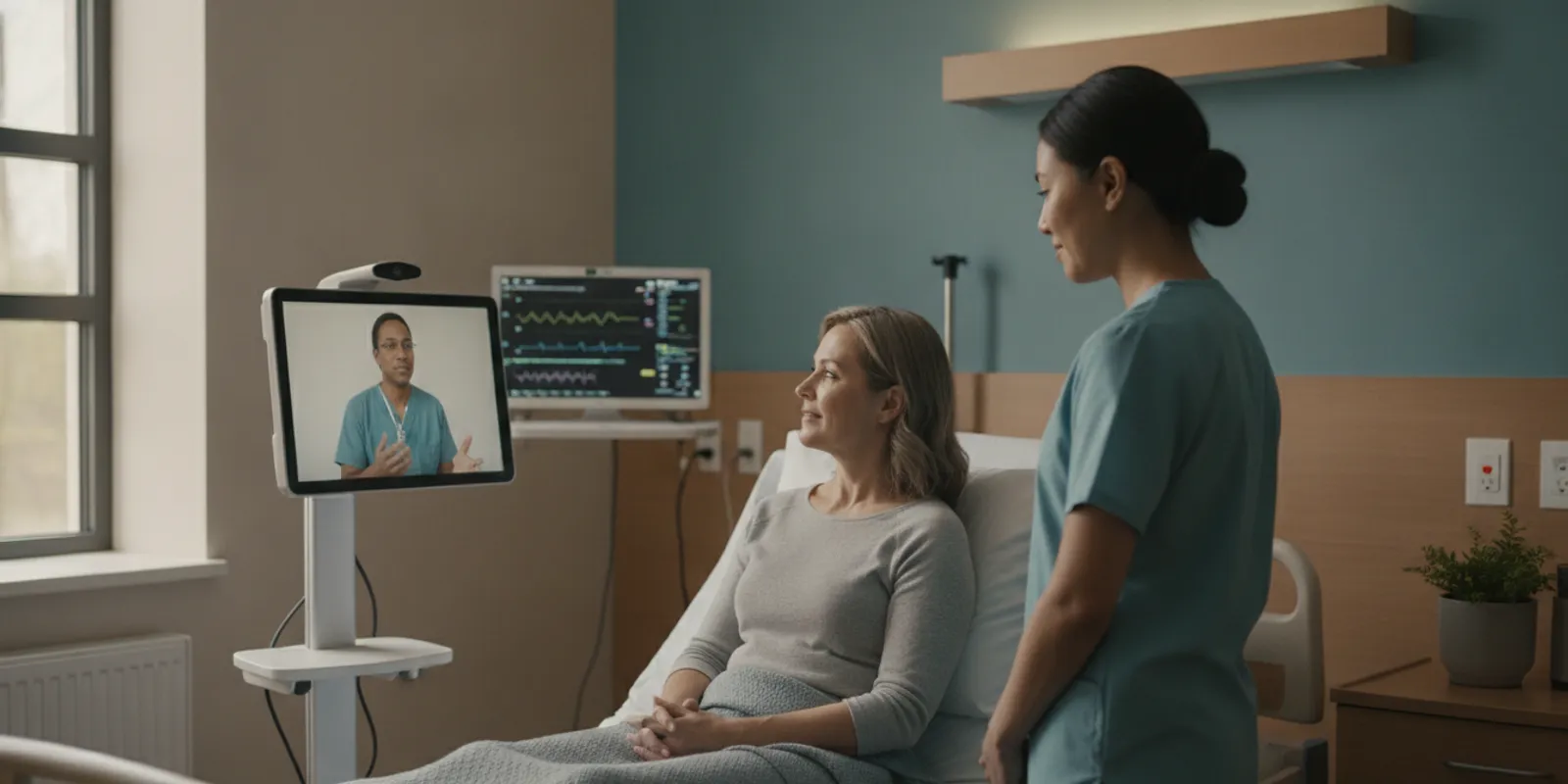
For a bedside workflow, consider how a clinician, resident or patient, and on-site staff coordinate the visit. Explain who assists with devices and what information may be visible or audible. Staff should understand their role; technology should support the care team rather than obscure who is responsible for the encounter.
What should be checked before and during a live call?
Document a simple pre-visit routine that works for the people delivering care. A repeatable routine helps staff catch preventable problems without turning every visit into a technical exercise.
- Confirm the intended participants. Use the organization’s approved process to establish who should join and what role each person has.
- Prepare the space. Check that the conversation can take place with appropriate privacy and that screens or equipment are positioned thoughtfully.
- Check the connection and equipment. Confirm that the audio, video, and any connected devices needed for the encounter are working as expected.
- Set expectations. Explain who is present, how the visit will proceed, and how the patient or resident can raise a concern about privacy.
- Manage changes. If another participant needs to join, pause as appropriate and follow the organization’s identity and permission process.
- Close deliberately. End the session using the expected workflow and ensure equipment is returned to its approved state.
Organizations should also decide how the encounter is documented in the clinical record, who completes that documentation, and which system is the source of record. Do not assume that a video platform, connected device, or integration documents every clinical detail automatically. Clarify the division of responsibility with the care team and technology providers.
How can organizations compare security review areas?
The table provides a practical way to assign owners and capture evidence. “Evidence” may include written vendor responses, a configuration review, a demonstrated workflow, or an internal policy. Choose evidence that matches the risk and the organization’s review process.
| Review area | Questions to answer | Useful evidence or owner |
|---|---|---|
| Access and credentials | Who can access accounts, sessions, and settings? How are accounts created, changed, and disabled? | Access-role list, account workflow, and review by IT or security |
| Encryption and information handling | What information is transmitted or retained, and what protections and retention rules apply? | Vendor documentation and configuration details reviewed by privacy or security |
| Devices and environment | Which endpoints are used, who maintains them, and how is privacy protected at the point of care? | Device inventory, maintenance process, and a real workflow walkthrough |
| Live-call operations | How are participants verified, session changes managed, and calls ended? | Staff procedure and observed demonstration with clinical operations |
| Vendor relationship | What information does the vendor handle, which parties support the service, and how are concerns escalated? | Contract and service documentation reviewed by the organization’s designated teams |
| Incident response | Who receives a report, what information is captured, and how are escalation and follow-up handled? | Incident procedure, contact path, and exercise or tabletop discussion |
What vendor questions belong on the checklist?
Vendor diligence should be specific to the product and planned use. Ask for clear answers rather than relying on broad labels. The organization’s privacy, security, legal, procurement, and clinical leaders may all have a role in evaluating those answers.
- What information does the service collect, transmit, retain, or make available to support personnel?
- Which service providers or integrations are involved in the workflow, and what information do they handle?
- How are users authenticated and access permissions managed?
- What protections apply to live communications and any stored information?
- What are the retention, deletion, and access procedures for information the service holds?
- How does the vendor notify the organization of a security concern affecting the service?
- What support channel should staff use, and what details should they avoid sending through an unapproved channel?
- Which product features are available in the proposed configuration, and which require organizational setup or policy decisions?
Keep the answers with the organization’s review materials and note who evaluated them. A useful record distinguishes verified capabilities from assumptions, open questions, and requirements that the organization must address itself. For an overview of the company and its approach, see About Dr. Temi.
What should the organization document for each workflow?
A short workflow record can connect security review to day-to-day practice. Identify the care setting, the people involved, the devices and systems used, and the information that moves during a visit. This helps reviewers avoid treating telemedicine as a single, identical process across every department or facility.
For each workflow, record the intended purpose and boundaries. Note which team initiates the visit, how the patient or resident is prepared, which staff members are present, how a remote clinician joins, and what happens when the visit ends. Capture relevant handoffs too: how staff coordinate connected equipment, where clinical documentation is completed, and whom to contact if a connection or device fails.
- Workflow owner: Name the role accountable for keeping the process current.
- Approved users: List roles expected to use the system and who approves access.
- Devices and locations: Identify endpoints and care environments in scope.
- Information flow: Describe what information is exchanged, where it is documented, and which systems are involved.
- Exceptions: Explain the approved response when a user, device, connection, or participant does not match the expected workflow.
- Review trigger: State what changes should prompt another review and who needs to be involved.
Keep the record understandable to the people who use it. A technical inventory can be useful for IT, but bedside teams also need concise directions for checking participants, protecting privacy in the room, and reporting a concern. Link operational instructions to the organization’s current policies. If different sites use different configurations, document those differences instead of assuming one procedure covers every location.
How can staff training make safeguards practical?
Training should match the staff member’s actual role. Clinicians may need to understand session access, participant changes, and documentation. On-site staff may need instructions for room privacy, equipment setup, and where to report a concern. Administrators may need a separate process for account changes and access reviews. Keep directions plain and available where work happens.
Use realistic scenarios to check whether instructions are clear. What should a staff member do if an unfamiliar participant appears? What is the approved route if a device is missing or a user cannot sign in? Who should be contacted if someone believes information was sent to the wrong destination? Practice should reinforce the reporting route without asking staff to investigate beyond their role.
When workflows change, communicate the change to affected users and update job aids or training materials. Leaders can review support questions and incident reports for patterns that suggest a procedure is hard to follow. Those observations do not replace a formal security review; they help teams see where their written process and actual care environment may not align.
How should teams prepare for a security incident?
A response plan should make the first action clear to the person who notices a concern. Staff should know where to report a suspected privacy or security issue, including an unexpected participant, lost device, misdirected information, unusual account activity, or a technology problem that may affect confidentiality.
- Identify the internal contact or reporting channel for staff.
- Document what facts to capture, such as the time, system, device, people involved, and the observed issue.
- Clarify who decides whether to pause a session, disable access, or take another immediate protective step.
- Define how the organization contacts the vendor and what information should be shared.
- Route assessment, documentation, and any required notifications through the organization’s established privacy and security process.
- After response, record lessons and determine whether training, configuration, or procedures need revision.
Do not ask frontline staff to make legal determinations on their own. Their role is to report promptly and follow established directions; designated privacy, security, and compliance leaders assess the event and guide next steps.
How often should the checklist be revisited?
Review the checklist before a new telemedicine workflow begins and whenever a material change could affect access, information flow, devices, vendors, or care operations. Examples include adding a new user group, connecting a device, changing a vendor configuration, introducing a new integration, or revising where and how visits take place.
Assign an owner for each open item and record its status: confirmed, needs evidence, requires a policy decision, or not applicable with a reason. Set a review date that fits the organization’s process. This makes the checklist useful after launch, rather than a one-time form that no one consults again.
For organizations considering autonomous bedside telepresence, the same review should account for how the platform navigates to the care setting, how the remote clinician connects with the bedside team, and how connected equipment fits the encounter. Learn more about the Rural Healthcare Access Program if that program is relevant to your organization, and contact the team to discuss your workflow.
Frequently asked questions
Does using a telemedicine platform by itself make an organization HIPAA compliant?
No. Technology is one part of an organization’s broader privacy and security responsibilities. Leaders need to evaluate the product, its configuration, the information involved, the people and devices in the workflow, and the organization’s own policies and processes.
Should every telemedicine call be recorded for documentation?
Not necessarily. Recording is a distinct operational and privacy decision, not a default requirement of this checklist. Determine what documentation the care workflow needs, what the platform retains, and what the organization’s policies allow. Dr. Temi’s supported product description states that its live calls are not recorded or retrievable; confirm the relevant capabilities for the proposed configuration.
What is the first access-control question to ask?
Begin with who is allowed to create, manage, and join a session, and how each user’s identity and role are established. Then verify how access changes when job responsibilities change or an account should no longer be active.
Who should own the checklist?
One person or team can coordinate the document, but the review usually benefits from input across privacy, security or IT, clinical operations, and the business owner. Assign each question to the people authorized to answer it, and escalate unresolved items through the organization’s normal process.
A thoughtful security review connects product capabilities to real clinical workflows, identifies unanswered questions, and gives staff a clear path for access and incident reporting. Use this checklist as a starting point, then adapt it with your organization’s privacy and security leaders.